> ## Documentation Index
> Fetch the complete documentation index at: https://makeswift-sasha-eng-8460-create-a-guide-for-troubleshooting.mintlify.site/llms.txt
> Use this file to discover all available pages before exploring further.
# TextInput
> Adds a single-line Text Input panel in the Makeswift builder to visually edit a `string` prop.
## Params
Text for the panel label in the Makeswift builder.
The value passed to your component when nothing is set in the Makeswift
builder.
## Prop type
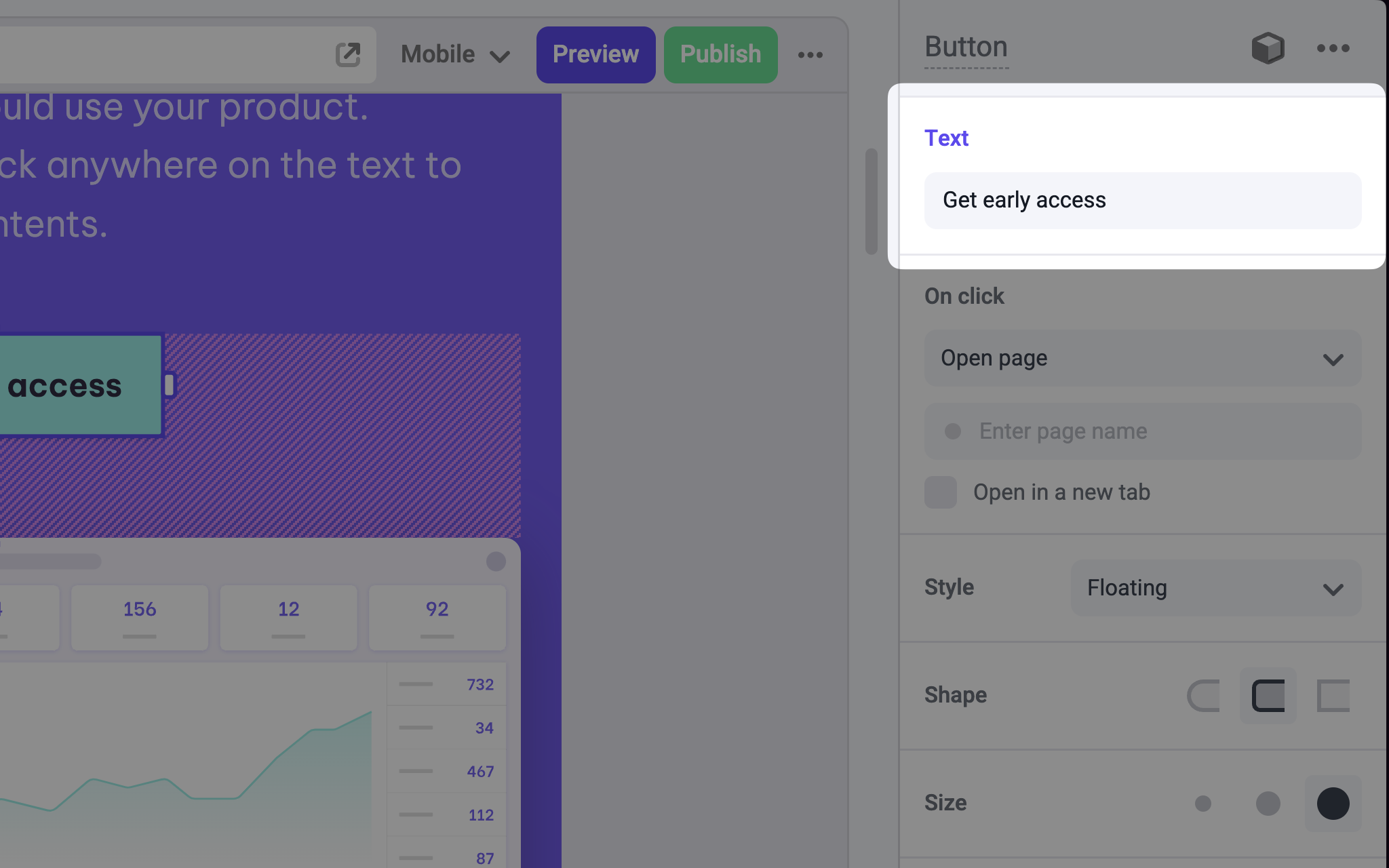
The TextInput control passes a `string` to your component. If you don't set a `defaultValue` and no value is set in the builder, your component receives `undefined`.
## Example
The following example adds a Text Input control to the `children` prop of a Link component.
```tsx Button.makeswift.ts
import { TextInput } from "@makeswift/runtime/controls"
import { runtime } from "@/makeswift/runtime"
import { Button } from "./Button"
runtime.registerComponent(Button, {
type: "button",
label: "Button",
props: {
text: TextInput({ label: "Text", defaultValue: "Click me" }),
},
})
```
```tsx Button.tsx
interface Props {
text?: string
}
export function Button({ text = "Click me" }) {
return (
)
}
```
`.makeswift.ts` is a naming convention for organizing Makeswift registration
code. [Learn
more](/developer/reference/runtime/register-component#organizing-registration-code).
 ## Params