> ## Documentation Index
> Fetch the complete documentation index at: https://makeswift-sasha-eng-8460-create-a-guide-for-troubleshooting.mintlify.site/llms.txt
> Use this file to discover all available pages before exploring further.
# App Router
> This guide walks you through setting up localization for your Makeswift site so you can visually customize your site for different locales.
The feature is deeply integrated with [Next.js' internationalization
features](https://nextjs.org/docs/app/building-your-application/routing/internationalization).
## Getting started
Open site settings and go to the "Locales" tab:
The number of locales you have access to is dependent upon your
[plan](/product/workspace/plans). Refer to the [pricing
page](https://makeswift.com/pricing) for full details.
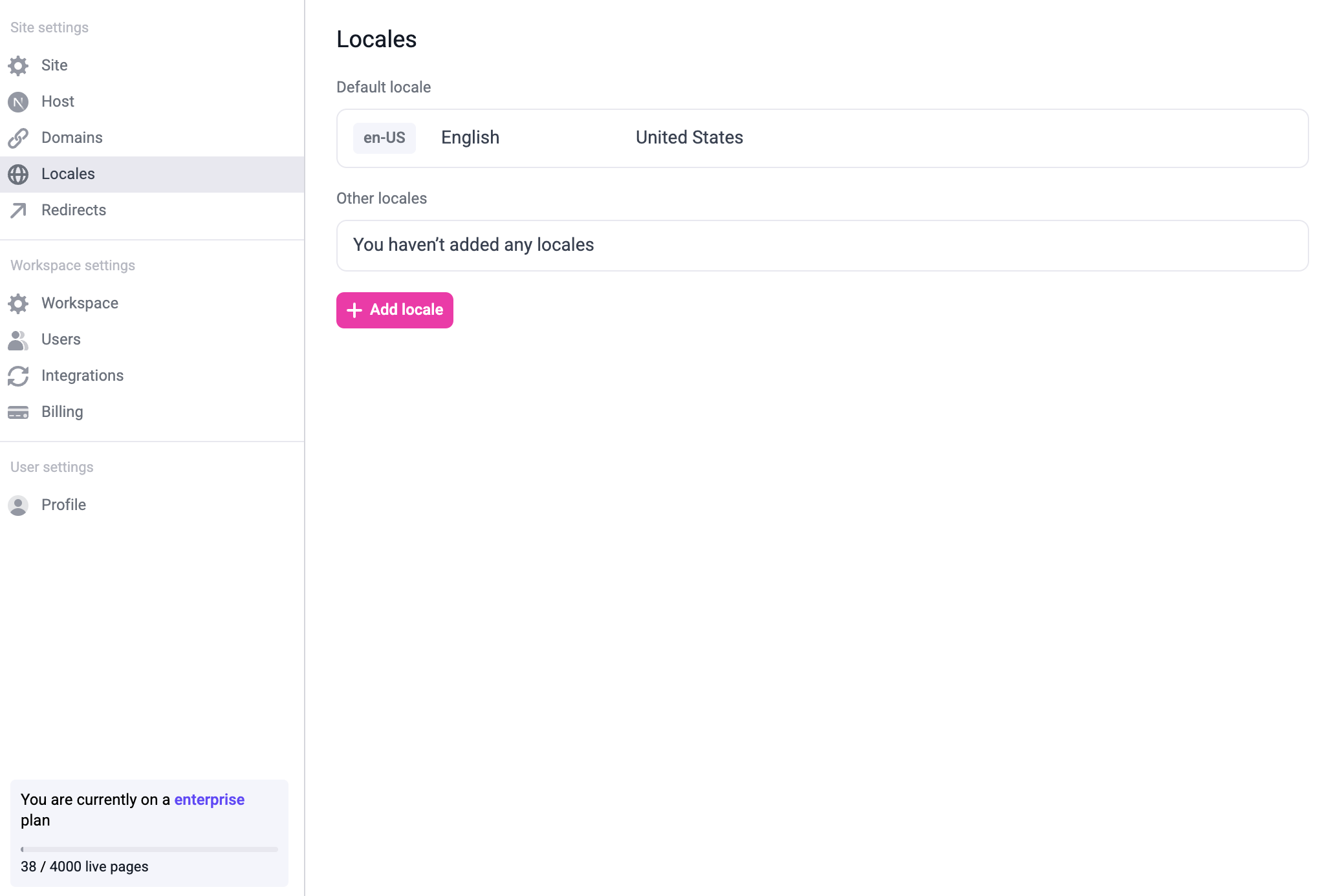
To add a new locale, click the "+ Add locale" button. You can modify or delete existing locales by hovering over the locale:
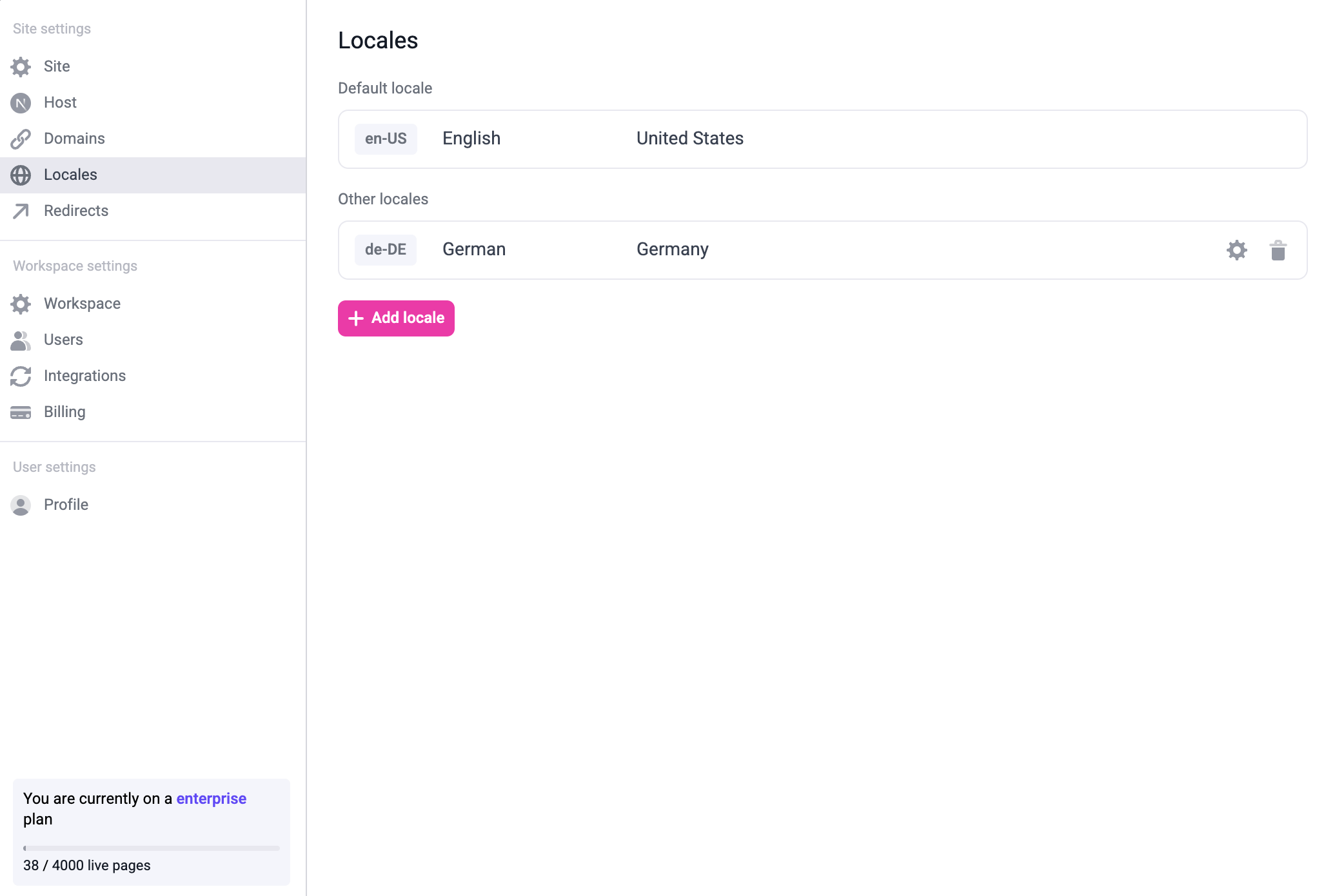
You can also modify the default locale by hovering over the default locale and clicking the edit button.
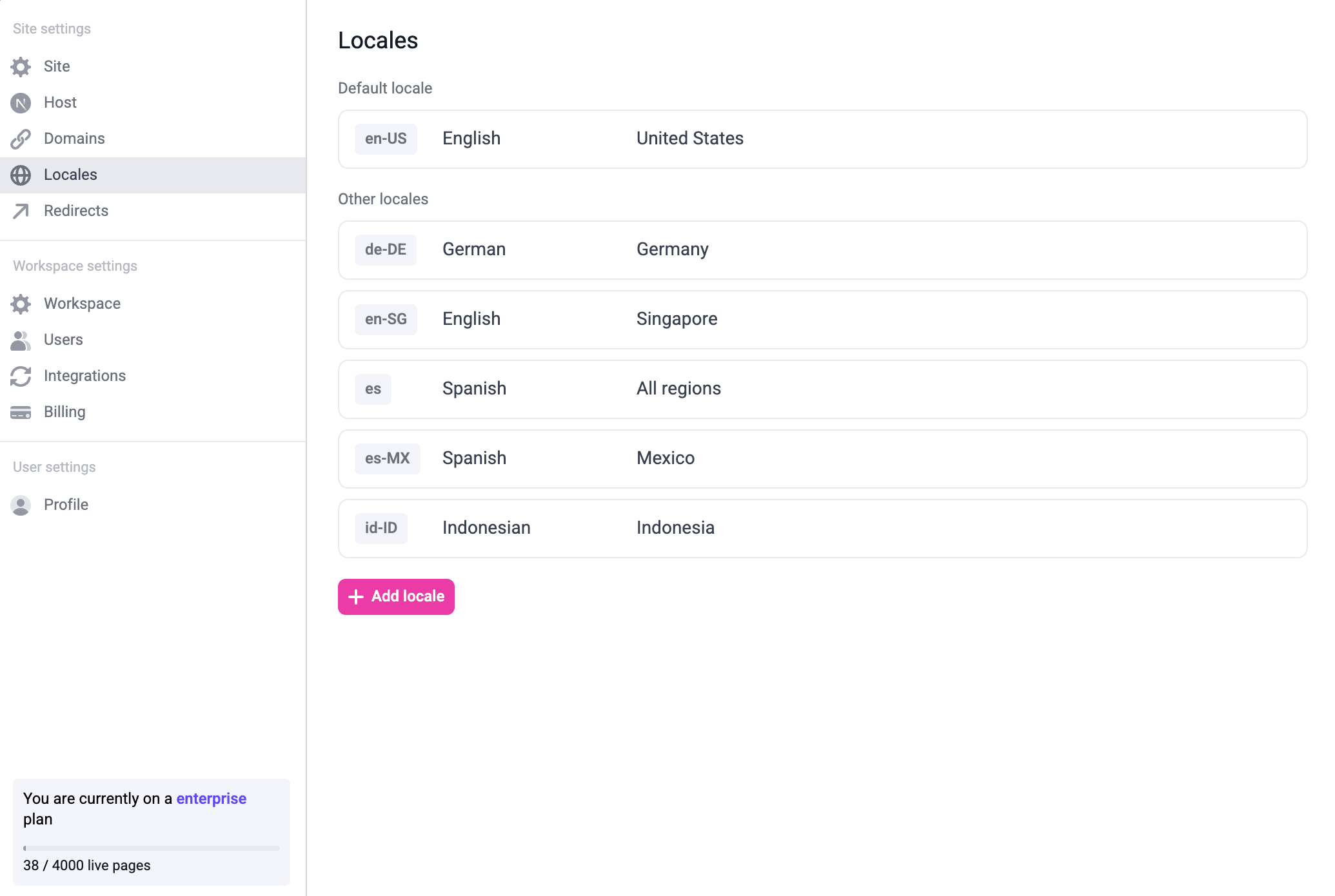
Once you add all the locales you need, it might look like this:
Follow the [internationalization docs](https://nextjs.org/docs/app/building-your-application/routing/internationalization) for app router and make sure that all routes except the [Makeswift API handler](/developer/reference/makeswift-api-handler) are nested inside `/app/[lang]`.
Update your catch-all route to fetch the snapshot by locale.
```tsx app/[lang]/[[...path]]/page.tsx
import { getSiteVersion } from "@makeswift/runtime/next/server"
import { notFound } from "next/navigation"
import { Page as MakeswiftPage } from "@makeswift/runtime/next"
import { client } from "@/makeswift/client"
import { locales } from "@/localization"
type ParsedUrlQuery = { lang: string; path?: string[] }
export async function generateStaticParams() {
const pages = await client.getPages()
return pages.flatMap((page) =>
locales.map((locale) => ({
path: page.path.split("/").filter((segment) => segment !== ""),
lang: locale,
}))
)
}
export default async function Page({ params }: { params: ParsedUrlQuery }) {
const path = "/" + (params?.path ?? []).join("/")
const snapshot = await client.getPageSnapshot(path, {
siteVersion: getSiteVersion(),
locale: params.lang,
})
if (snapshot == null) return notFound()
return
}
```
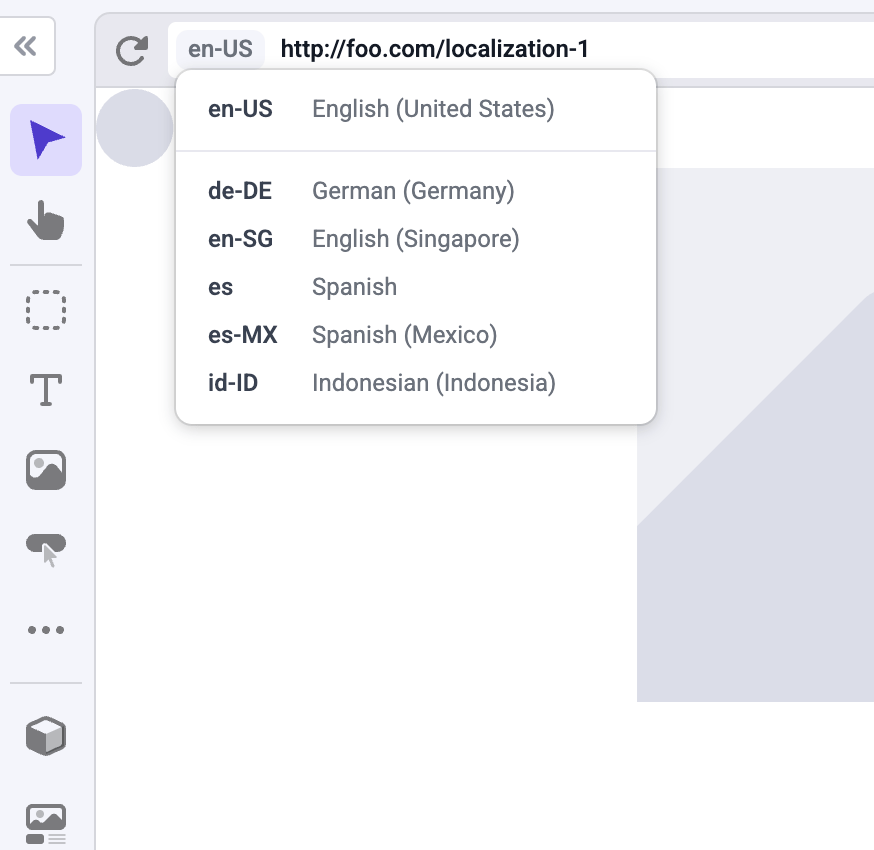
Once you've set everything up, you should be able to switch to the locale using the locale switcher on the builder.
You can customize the path for each page in each locale. For example, if you have a company page at `example.com/company`, you can create the Spanish version of the page at `example.com/es/compania` or `example.es/compania`.
## Domain-based localization
If you don't provide a domain for a locale, the localized pages will be located on the same domain as the default locale,
but nested on the locale's path. For example, `es` pages will be located on `example.com/es/page`.
To use domain-based localization, just add the domain to the locale on your site settings:
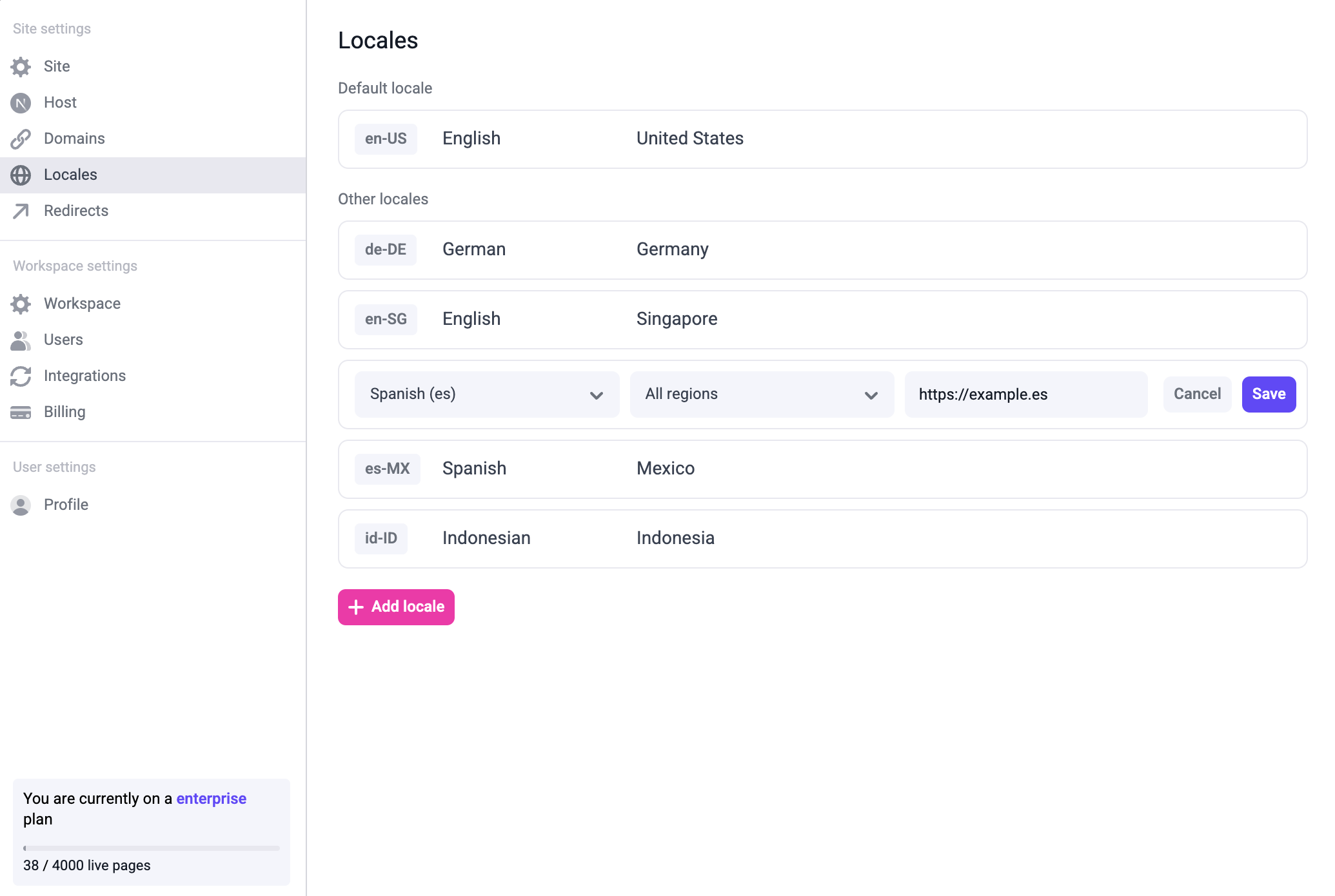
Once you've done that, the Spanish localized pages will be located on `example.es/page`.
## Localized resources
When making changes on a different locale you can override any property, including the page's pathname, metadata, and SEO tags.
You can also localize a global component. To do this, edit a global component within a localized page, make changes,
and then save the global component. That global component will be saved for that locale.